Firestarter guides
The Best Photos for AI Dance Videos: 9 Rules for a Clean Firestarter Clip
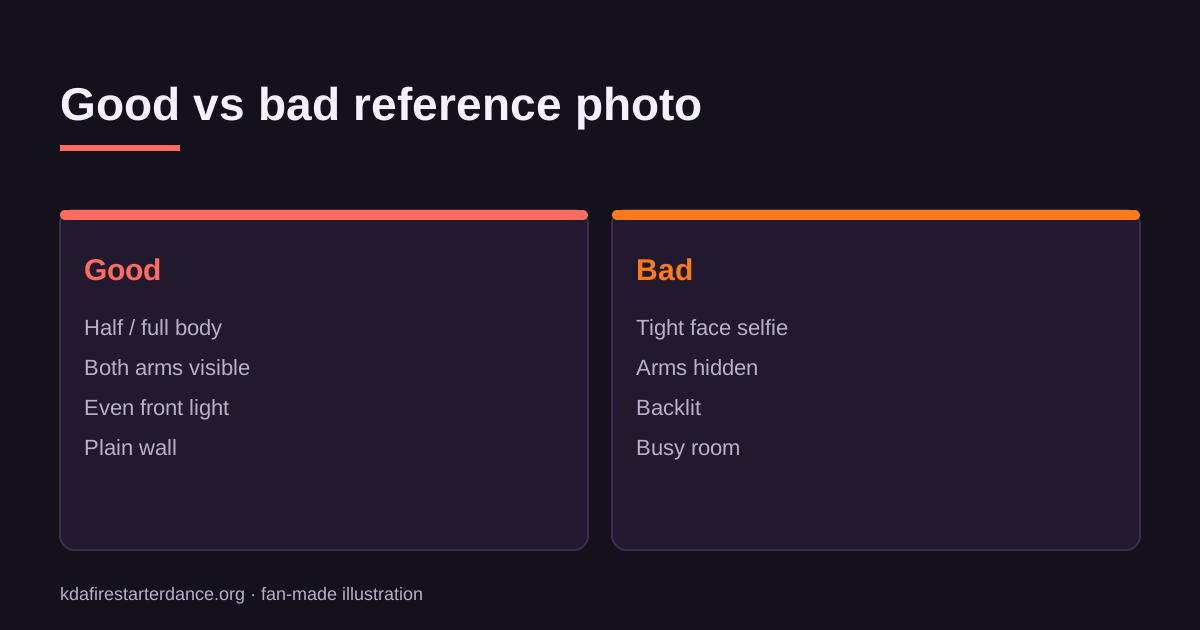
Use one subject, half or full body, arms visible, even front light and a plain background. These photo rules decide most of how good your AI dance video looks.
What's new on this page
- — First published
The best photo for an AI dance video shows one subject, half-body or full-body, with both arms visible, lit evenly from the front and standing against a plain background. That one choice decides most of the result: a good photo gives a clean, stable dance, and a poor one gives melted hands and a flickering face no matter which tool you use.
Below are nine rules, the reasons behind them, and examples for people, anime characters and pets.
Why the photo matters so much
An image-to-video model only sees your photo. Anything it can't see, like a hidden arm, the back of a jacket or feet below the frame, it has to invent while the subject moves. Dance is the hardest case because the limbs travel the most. The more of the body the photo shows clearly, the less the model has to guess.
The 9 rules
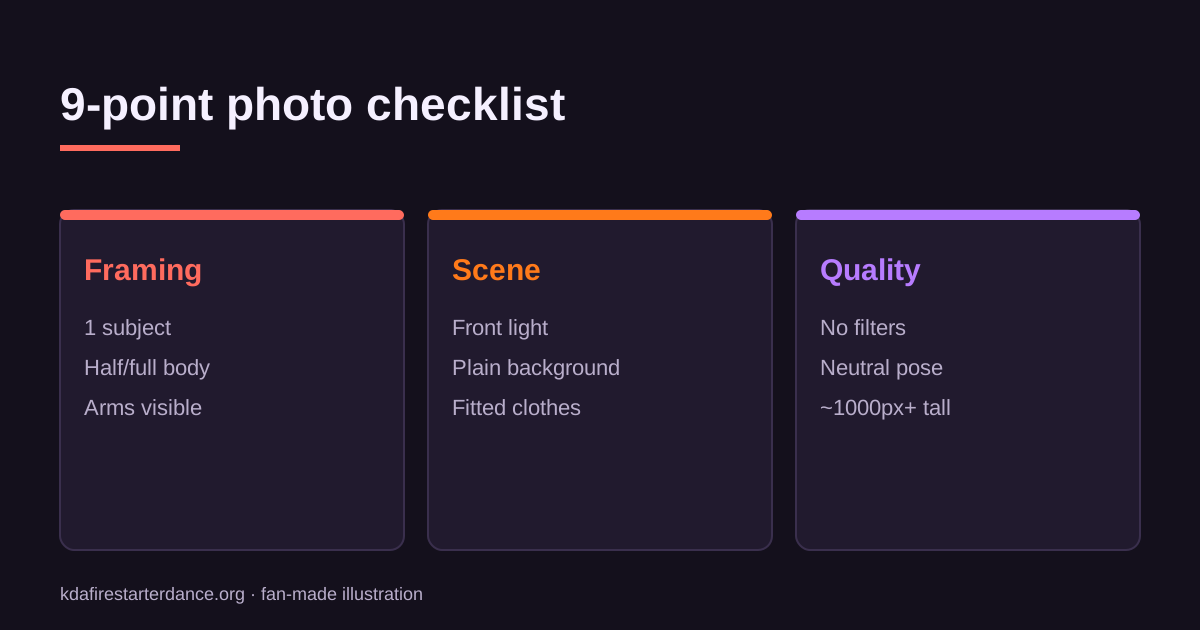
| # | Rule | Why |
|---|---|---|
| 1 | One subject only | Two bodies split the motion and swap features |
| 2 | Half-body or full-body | Dance needs limbs; headshots force invented arms |
| 3 | Both arms visible | Hidden arms are the #1 source of glitches |
| 4 | Even, front-facing light | Backlight turns the outline into a silhouette |
| 5 | Plain background | Busy rooms warp along with the body |
| 6 | Fitted clothing | Loose fabric and scarves smear during spins |
| 7 | Sharp, not filtered | Beauty filters and blur make the face drift |
| 8 | Neutral, standing pose | A balanced start makes the first frame believable |
| 9 | At least ~1000 px tall | Tiny images lose detail once animated |
Rules 1–3: Framing
Crop to one person. If your best photo is a group shot, crop it so only one person fills the frame, and make sure no stray hand sneaks in from the edge.
Show the body. A mirror selfie from the hips up works much better than a close-up. If you want full choreography, including steps, the feet need to be in the frame.
Free the arms. Hands in pockets, arms crossed or holding a phone all hide the parts that move most. Arms relaxed at the sides are ideal.
Rules 4–6: Light, background and clothes
Face the light. Stand facing a window, or shoot outdoors in open shade. Avoid strong light behind you and harsh overhead spotlights.
Use a plain wall. A clean background gives the model a crisp edge to follow. Busy rooms, crowds and posters behind you tend to wobble.
Wear something fitted. A fitted top and trousers keep their shape while moving. Oversized hoodies are fine; long loose skirts and flowing scarves are the riskiest.
Rules 7–9: Quality
Turn filters off. Beauty filters smooth out the features the model uses to keep your identity consistent from frame to frame.
Stand neutrally. Start from a relaxed, upright pose. A photo taken mid-jump or mid-turn gives the motion an awkward starting point.
Use a real resolution. Screenshots and heavily compressed images lose detail once animated. The original camera file is best.
Anime characters and OCs
The same ideas apply to illustrated characters, with a few additions:
- Use a clean full-body reference sheet rather than a dramatic cropped splash image.
- Remove text, speech bubbles and watermarks that overlap the figure.
- Pick art with clear line work. Very painterly or heavily textured styles are harder to keep consistent.
- Use only art you made or have permission to use.
The anime character template is tuned to keep the illustration style.
Pets
Pets are the funniest Firestarter clips, and these tips help:
- Whole body in frame, including the legs and tail.
- Side-on or three-quarter view works better than a face-only close-up.
- Contrasting background, such as a dark cat on a light floor.
Try the pet Firestarter template.
Whose photos are allowed?
Only use photos of yourself, people who have agreed, your own pet or artwork you have rights to. Celebrities, strangers and minors are not allowed, and uploading someone without consent gets the account banned.
Troubleshooting
Hands look strange. Use a photo where both hands are fully visible and not touching the body.
The face changes mid-clip. Choose a sharper, front-facing photo with no sunglasses or filter.
The background melts. Reshoot against a plain wall.
The subject drifts out of frame. Pick a photo where the subject is centred, with some space above the head.
FAQ
Can I use a selfie? Yes, if it shows at least the upper body and both arms. A tight face-only selfie gives weaker results.
Does the photo need to be vertical? No, but a vertical photo matches the 9:16 output and wastes less of the frame.
Do I need to remove the background myself? No. A plain background helps, but you don't have to cut it out.
Got the right photo? Follow how to make a KDA Firestarter dance AI video, or head to the generator.
Related KDA Firestarter Dance AI guides