Firestarter guides
How to Add the FIRESTARTER Sound to Your AI Dance Video (Without Getting Muted)
Download your clip silent, then add the official K/DA FIRESTARTER sound inside TikTok, Reels or Shorts. Using the in-app sound library keeps your video licensed and unmuted.
What's new on this page
- — First published
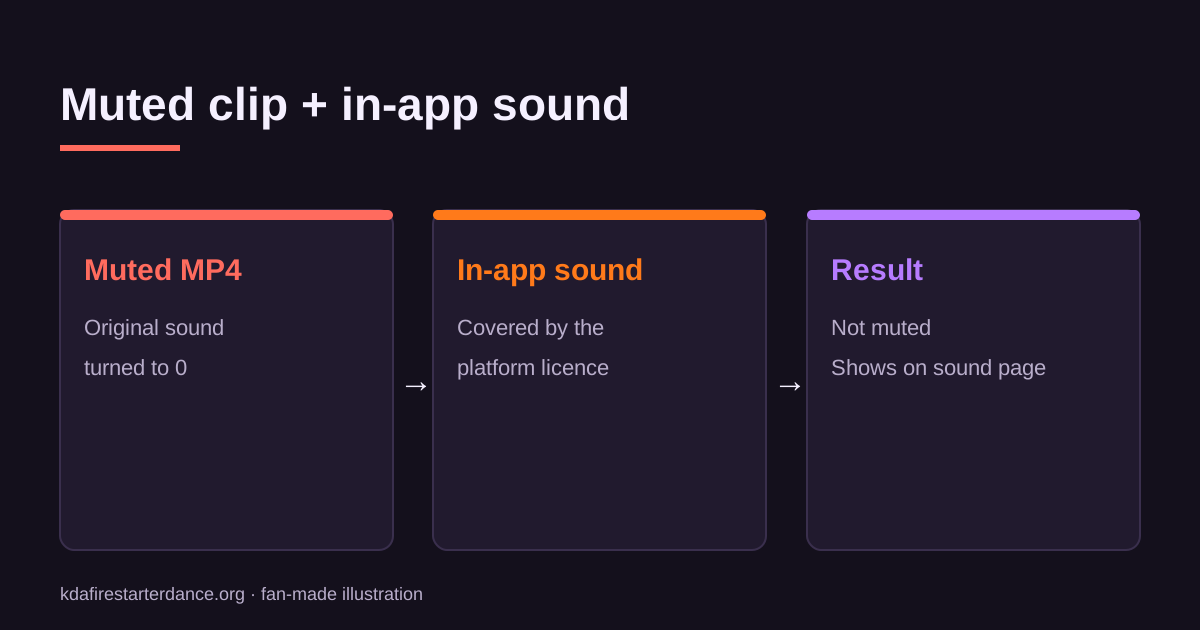
The safest way to add the FIRESTARTER song to an AI dance video is to upload the clip silent and pick the official sound from the platform's own library, whether that's TikTok, Instagram Reels or YouTube Shorts. In-app sounds are covered by the platform's music licence. A song baked in with an external editor can get your video muted or blocked.
This guide covers each platform, how to line up the beat, and what to do if your clip is already muted.
Why AI dance clips are exported silent
Clips from this site have no audio, on purpose:
- Licensing. We don't have the right to distribute the FIRESTARTER recording, and neither do you outside the platforms that license it.
- Detection. Platforms fingerprint audio. A copy added outside the app can be flagged as unlicensed even when it is the right song.
- Discovery. A video that uses the official in-app sound is linked to that sound's page, so people browsing the trend can find it.
TikTok: step by step
- Open TikTok and tap +, then Upload, and choose your clip.
- Tap Add sound at the top of the editor.
- Search for "FIRESTARTER K/DA". Pick the official track, or a popular sound already used by the trend.
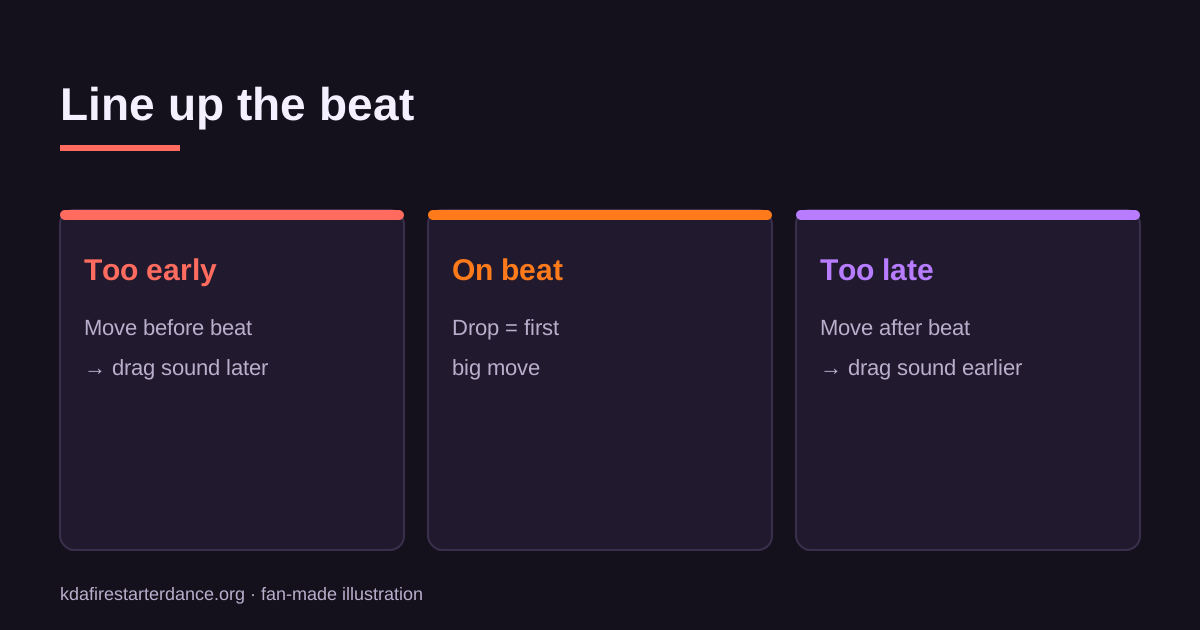
- Tap Adjust (the scissors icon) to drag the waveform until the beat drop lines up with the first big move.
- Turn the original sound down to 0, since the clip is silent anyway.
- In More options, turn on the AI-generated content label, then post.
TikTok's help page on adding sounds explains each control.
Tip: open an existing post from the #firestarterkda tag and tap the spinning record at the bottom right to find the sound most creators are using. Then tap Use this sound.
Instagram Reels
- Tap + and choose Reel, then select your clip from the gallery.
- Tap the music note and search "FIRESTARTER".
- Drag the slider to pick the section, which is usually the hook.
- Add your caption and tags, then share.
Business accounts on Instagram can have a limited music library. If the song doesn't show up, switch to a creator account or use a trending audio clip from another Reel.
YouTube Shorts
- Tap Create, then Short, and upload the clip.
- Tap Add sound and search the audio library.
- Trim to the section you want and publish.
Lining up the beat
| Problem | Fix |
|---|---|
| The move hits before the beat | Drag the sound later by 0.1–0.3 s |
| The move hits after the beat | Drag the sound earlier |
| The clip ends mid-phrase | Pick a sound section that ends on the hook, or trim the clip |
| The audio feels too loud next to the visuals | Lower the sound volume slightly; the clip has no voice to compete with |
AI dance templates usually start the first big move within the first second, so starting the sound at the drop gets you close straight away. Make small adjustments from there.
My video is already muted. What now?
If a platform muted your video, it found unlicensed audio. You can:
- Delete and re-upload the original silent clip, then add the official sound inside the app.
- Replace the audio if the platform offers it. TikTok sometimes lets you swap the sound on a muted post.
- Never re-encode the song into the file. The same fingerprint will be matched again.
Labelling AI content
TikTok and YouTube both ask creators to disclose realistic AI-generated or altered content. Turning the label on yourself:
- protects the post from removal for undisclosed synthetic media, and
- builds trust with viewers.
FAQ
Can I download the song and add it in CapCut? You can, but the result is more likely to be flagged. Using the sound inside the platform is the reliable option.
Which sound version should I pick? Use the official track or the most-used trend sound, so your post appears on that sound's page.
Does this site include music? No. Clips are silent, and this is a fan-made tool not affiliated with Riot Games or K/DA.
Haven't made your clip yet? Start with how to make a KDA Firestarter dance AI video, or go straight to the Kai'Sa template.
Related KDA Firestarter Dance AI guides